Brand kits
Colour roles, fonts, logo, tone of voice, banned words and pronunciations for names. Each organisation keeps as many kits as it needs.
Cognify Reel · early access
You describe the campaign. Reel writes the script, records the voice-over, builds the motion graphics in your colours and fonts, and renders the video in the sizes each platform wants.
We're setting Reel up for a small number of teams at a time. There's no public sign-up yet.
How it works
Each step gives you something to check or change before the next one starts. You can stop at the script, or go all the way to export.
Colours, fonts, logo, words you never use, and the claims you can back up. Build it by chatting with Reel, or let it read your logo, screenshots and web pages and suggest one.
What you're selling, who it's for and where the ad will run. Reel asks for whatever it's missing.
Reel suggests angles and writes a script. The voice-over is recorded with the voice you pick, and the timing of each spoken word decides when scenes cut and text appears.
Reel builds each scene from your brand kit. A checker then looks at every scene for brand rules, unsupported claims, caption size and a clear call to action.
Pick the sizes and lengths you need. You download MP4 files with matching caption files (SRT and VTT).
Why it stays on brand
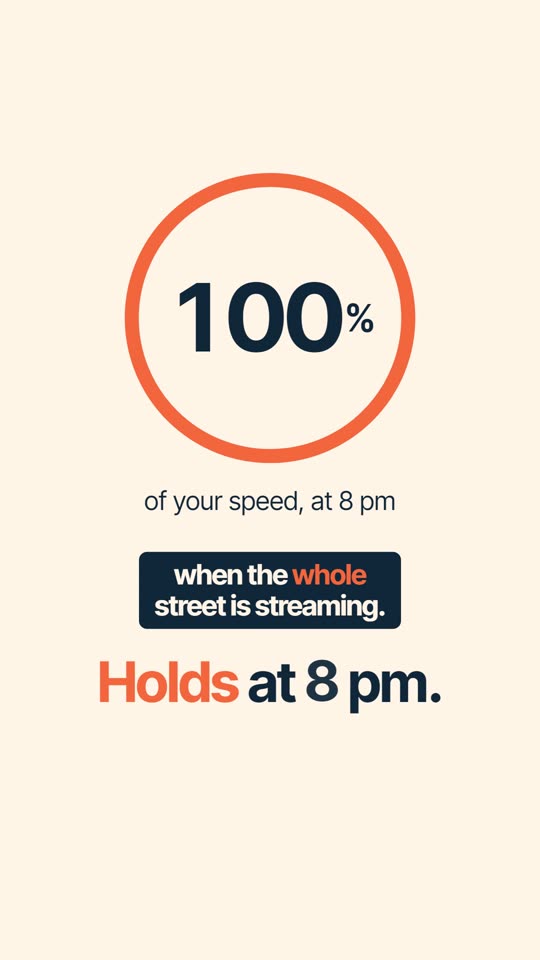
Reel doesn't ask an AI model to paint video frames. It writes each scene as a short set of instructions, like the one beside this text, and a renderer draws it using only the colours and fonts in your brand kit.
"component": "Dial",
"props": {
  "value": 100,
  "unit": "%",
  "label": "of your speed, at 8 pm",
  "settleAt": { "t": 5.4 }
},
"enter": {
  "type": "scale",
  "easing": "spring"
}
Sizes and lengths
When you ask for another size, Reel rearranges the scene for that shape and adjusts the text size to fit, instead of cropping the original. Lengths of 6, 15 and 30 seconds work the same way: Reel drops or shortens the scenes you've marked as optional.
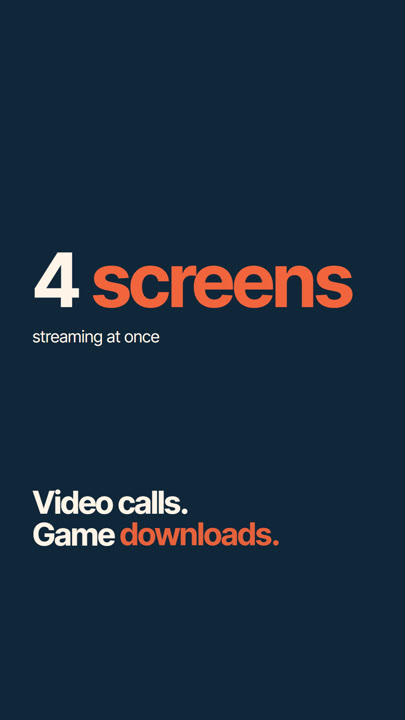
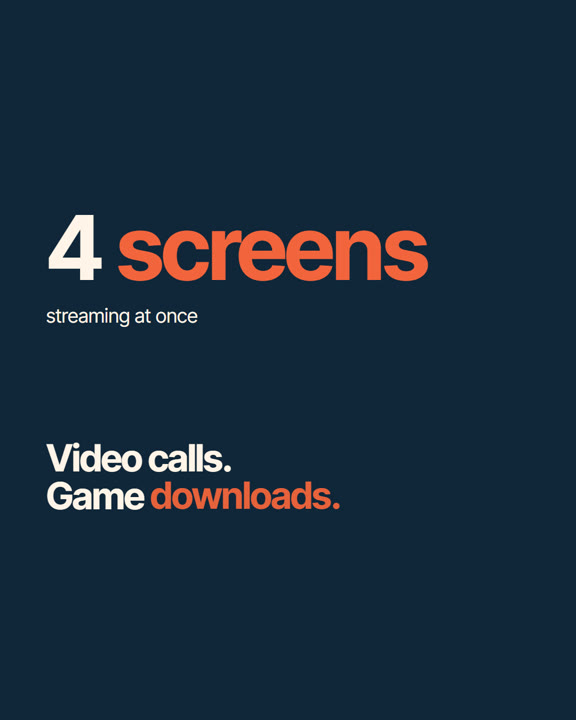
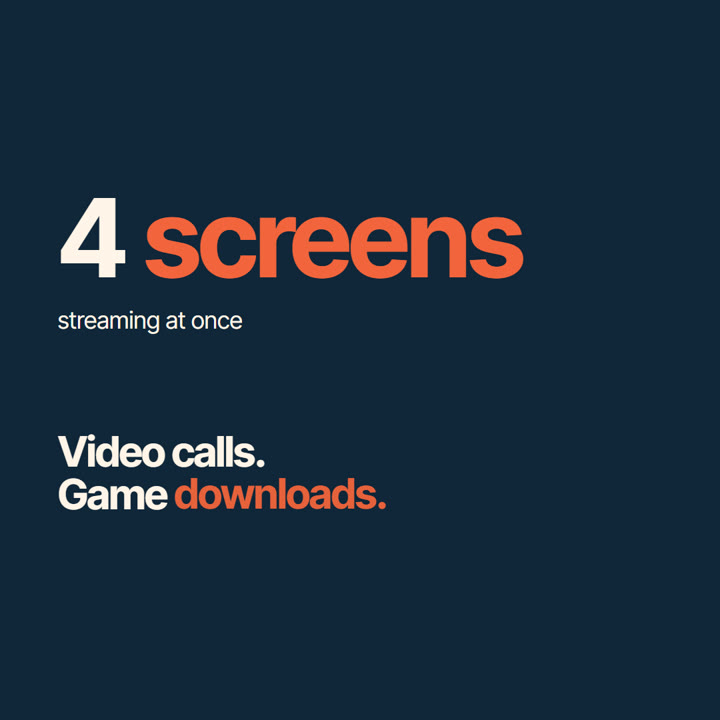
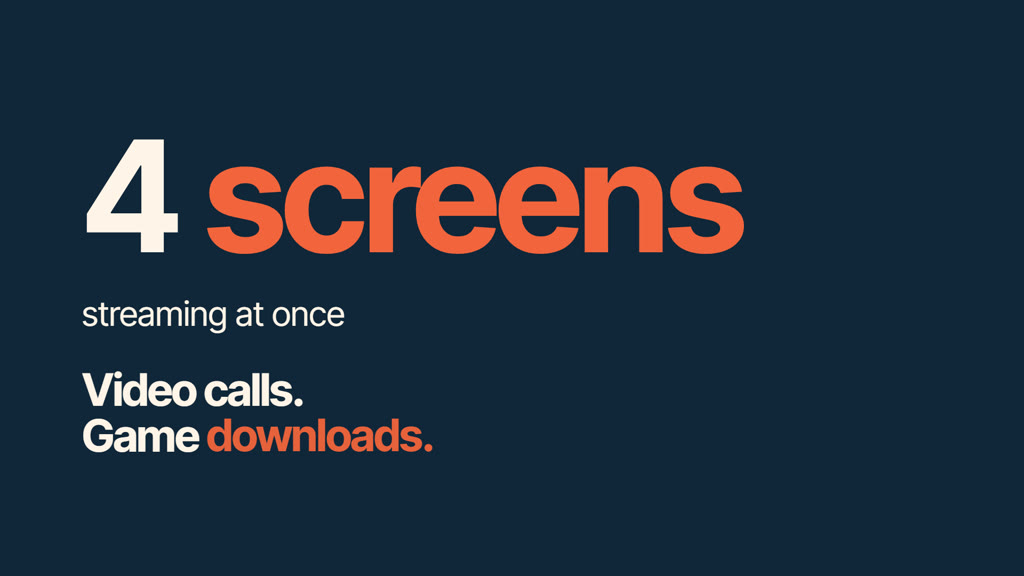
These four frames are straight from Reel: the same moment of the Halden example, rendered in each size from one composition.
What's in it
Colour roles, fonts, logo, tone of voice, banned words and pronunciations for names. Each organisation keeps as many kits as it needs.
You list the claims you can prove. Any figure that appears on screen without a matching claim gets flagged before you export. It caught an unsupported "8 pm" in our own test ad.
Mark pauses, emphasis and how to say a word. Compare takes line by line. Voices come from ElevenLabs, OpenAI or a voice model you run yourself. A cloned voice needs recorded consent.
Import reviews, support tickets or Cognify Studio chat and call transcripts, and Reel turns the questions and objections it finds into hooks. Before any text goes to an AI model, Reel removes the names, phone numbers, ID numbers and addresses it can detect.
Claude from Anthropic by default. You can also use OpenRouter, or any OpenAI-compatible service, including models you run yourself with Ollama or LM Studio. Each campaign shows what it has cost so far.
Each organisation has its own brand kits, campaigns, voices and model settings. Invite people as members, admins or owners.
Limits
It's better you hear this from us before you ask for access.
Your data
Reel runs on a server we manage in the EU. Your brand kits, campaigns and rendered videos are stored there.
To write scripts and scenes, Reel sends your brief and brand kit to the AI provider your organisation uses. That's Anthropic unless you change it, and it runs outside South Africa. Script lines go to the voice provider you pick. If you'd rather nothing left your own machines, we can set Reel up with models you run yourself.
Read the privacy page for the details.
Early access
Email us what you sell and where your ads run. We'll reply to set up a time to show you Reel working on your brand.